
Apana x O2S
Turn client conversations into structured patrimonial data
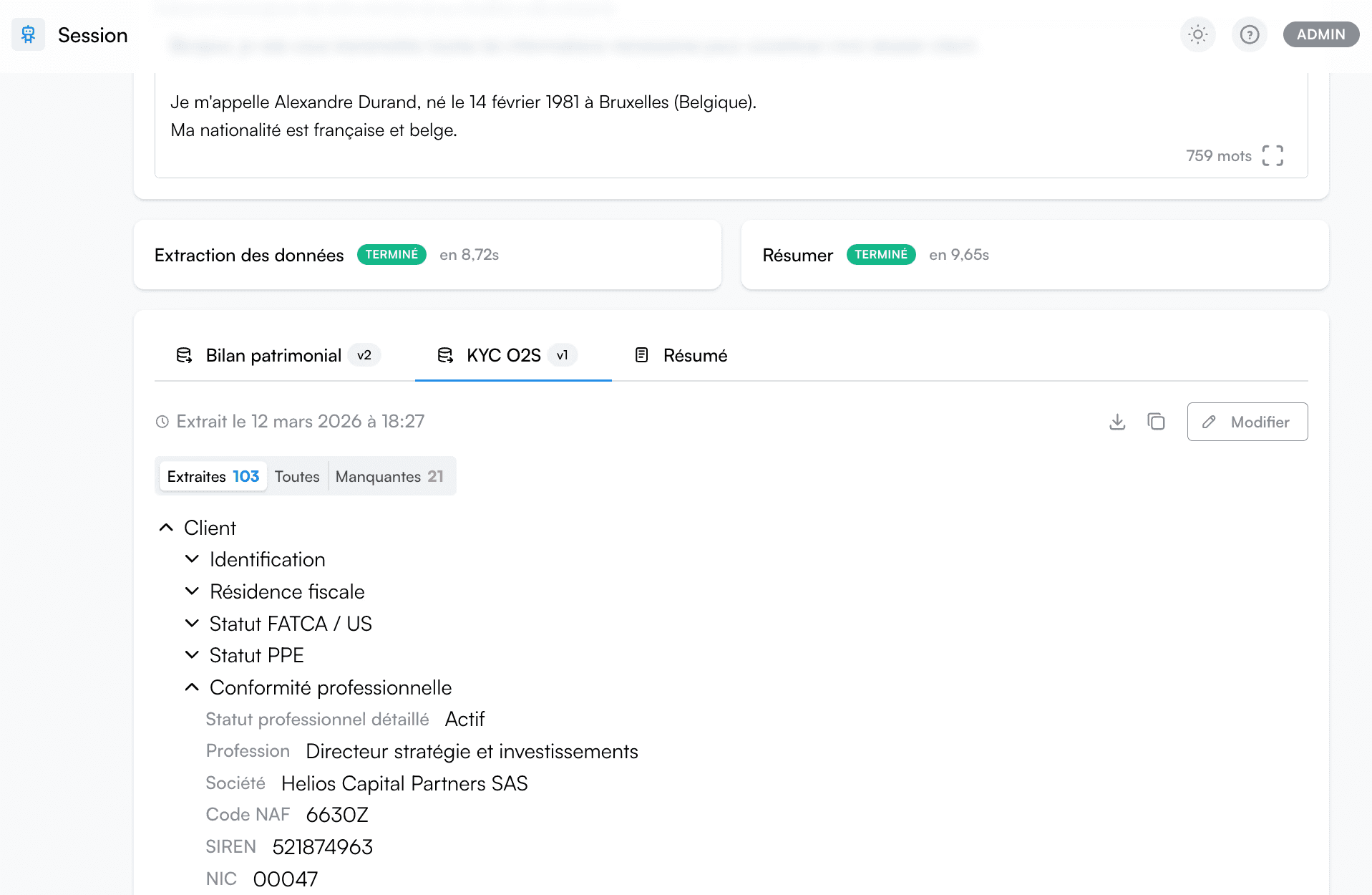
Apana captures key information from client meetings and structures it using a data model compatible with O2S workflows.
This allows advisory teams to structure client information faster and reduce manual data entry.
O2S is widely used by wealth management professionals to manage client portfolios and advisory workflows.
By combining O2S with Apana, teams can automatically structure the information collected during client meetings and prepare it for use inside their existing tools.
Instead of manually rewriting meeting notes or re-entering information, Apana captures key insights and organizes them in a format aligned with patrimonial workflows.
Why integrate Apana with O2S
Apana helps advisors capture and structure the information discussed during client meetings.
By organizing this information using a structured data model, Apana allows teams to prepare client data before it is used inside their advisory tools.
This reduces the time spent on administrative tasks and improves the quality of client information used during the advisory process.
How the O2S integration works
The integration between Apana and O2S is designed to fit naturally into the workflow of wealth management professionals.
Our team handles the configuration and ensures that Apana can structure the information collected during meetings in a format compatible with O2S workflows.
1) Meeting capture
Apana records and analyzes conversations during client meetings.
2) Data structuring
Key patrimonial information discussed during the meeting is automatically identified and structured using Apana’s data model.
3) Workflow preparation
This structured data can then be used within existing advisory workflows, helping teams avoid manual re-entry of client information.
What information Apana can structure for O2S workflows
Apana captures and structures the key patrimonial information discussed during client meetings.
The structured information may include:
• Client personal situation
• Patrimonial context and financial situation
• Investment objectives and constraints
• Assets and liabilities mentioned during the conversation
• Potential advisory opportunities identified during the meeting
This allows advisory teams to start working with structured information immediately after the meeting.
Frequently asked questions
How does Apana structure patrimonial data for advisory workflows?
Do advisors need to manually structure the information after meetings?
Do we need to configure the integration ourselves?
See the integration in action
Interested in using Apana alongside O2S?
Fill out the form below and our team will show you how Apana captures and structures client meeting information for advisory workflows.